Running guides
How to Choose a Running App for Your First 5K
Compare beginner running apps by training schedule, run-walk guidance, plan changes, device requirements and cost before choosing one.
Choose a first 5K running app by checking whether its schedule fits your week, its workouts match your starting point, and its guidance is easy to follow. Compare how it handles missed runs, what equipment it needs, and which features cost extra. The best choice is one you can understand and use consistently.
A checklist you can use while comparing apps
| Your need | What to check in each app |
|---|---|
| You need walking breaks | Does the actual workout contain timed running and walking phases? |
| You do not want to watch a timer | Are transition cues audible, and can you control the audio? |
| Your week often changes | Can you review, skip or change upcoming sessions and confirm the result? |
| You prefer phone-only training | Which features work on your phone, and which need a watch or sensor? |
| You have a limited budget | What is included, what costs extra, and what are the current subscription terms? |
| You want control of your data | Can you understand location permissions, privacy terms and account controls? |
Use your own requirements to narrow the choice, then try a suitable session. A checklist is more useful than a feature count if the features do not match how you train.
Start with your schedule and current ability
Think about how many days you can realistically run, how long you can currently move comfortably, and whether you prefer time or distance goals. Check whether the app lets you review upcoming sessions and whether its plan can accommodate your available days.
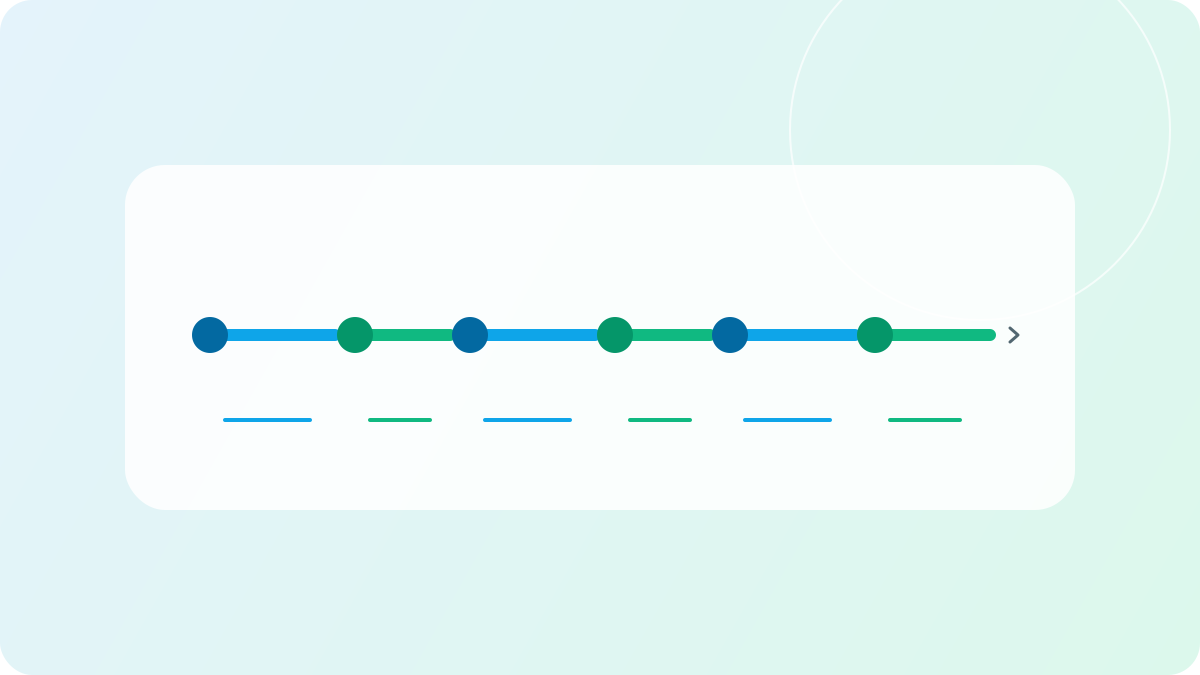
If you cannot run continuously yet, look for planned running and walking intervals. The NHS Couch to 5K plan is one example of a beginner programme that alternates running and walking and includes rest days. Its schedule is an example rather than a promise that every runner will progress at the same rate. Learn more about starting with run-walk training.
Check what happens when life changes
A schedule is easier to use when you know what to do after a missed workout. Can you skip a session, move it, or discuss a change? Check whether the app shows the result clearly and leaves you able to review upcoming training. Consider recovery and how you feel, not just which date is empty.
See what to consider after a missed run for an example of rearranging sessions around another activity.
Decide what guidance you want during a run
If you do not want to watch a timer, check whether the app offers audio cues for interval changes and whether you can control their volume. If you prefer to run without audio, check whether the screen makes the current phase and remaining time understandable. Try the guidance on a suitable workout before relying on it. See AimiRun voice coaching for an example of supported cues and their limits.
Some apps also offer pace or cadence cues. Those are optional tools, not a requirement for completing a first 5K. A cadence guide explains how pace and running rhythm can vary.
Check devices, privacy and costs
Before choosing, review these questions in the app and its store listing:
- Devices: Does the app support your phone and operating system? Is a watch required for the features you want?
- Connectivity: Which features require an account or internet access? What happens if connectivity is unavailable?
- Cost: Which plans, guidance and sounds are included, and which require a subscription or purchase? Are prices and trial terms clear in your region?
- Privacy: What location and activity data does the app collect, and can you understand its privacy policy and account controls?
- Availability: Is the feature available in your region and current app version?
A free download does not by itself establish that every feature is free. Check current information before committing to a plan or subscription.
One option: AimiRun
AimiRun brings training plans and run records together. You can describe your goal and available days to Aimi, request a plan, and review the saved workouts. You can also discuss a change to an existing plan; review the saved result rather than assuming every request produces the same schedule. See how planning works.
For supported run-walk workouts, AimiRun displays interval phases and gives transition cues when coach voice is enabled. The cues follow the planned timing; they do not detect whether you actually switched between running and walking. Features and AI availability vary by platform, region, channel and version, so check the app and store for your situation.
AimiRun is one option to consider if those capabilities match your needs. If a different schedule, pricing model, device setup or guidance style suits you better, use those criteria to choose another app.
Do you need a smartwatch to start?
A watch is not a prerequisite for starting to run. Whether a particular app or feature works with your phone alone depends on its requirements. Check the store listing and feature instructions for the device and version you intend to use.
What if you can only run twice a week?
Choose a plan that fits the time you actually have, allow recovery between runs, and be flexible about the date you hope to complete 5K. The NHS example uses three runs per week; it should not be represented as a validated two-run plan. Review your circumstances and seek appropriate advice if you are unsure about starting exercise.
Compare the options, try a manageable first session, and adjust your choice if the guidance or schedule does not work for you. Explore AimiRun's planning and guidance or check the download options.