Running guides
How to Improve Running Cadence and Use a Metronome
Learn how running cadence relates to pace, how to measure it, and how fixed and adaptive metronome guidance differ.
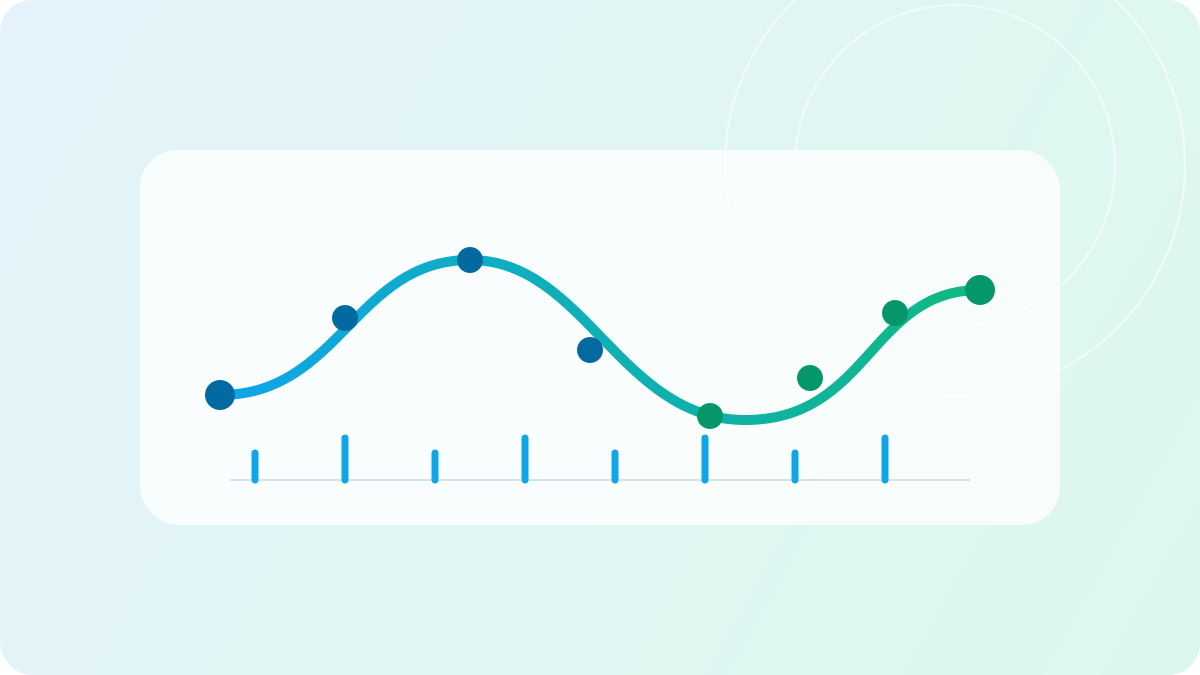
To explore a higher running cadence, first notice your usual steps per minute at a comfortable pace. A metronome can provide a rhythm to practise with, but there is no single number that suits every runner and every speed. Experiment conservatively and stop if a change feels uncomfortable.
Why cadence changes with speed
Cadence is the number of steps you take in a minute, counting both feet. You can count the steps of one foot for 30 seconds and multiply by four, or check a compatible device. Compare readings at a similar pace and on similar terrain.
In a study of experienced runners, cadence increased with speed on average, although individuals varied. An easy run and a faster session may therefore have different natural rhythms. This does not establish an ideal number for you or mean that everyone needs to increase cadence.
A fixed metronome can help you practise a chosen rhythm, but the same beat may feel inappropriate as your pace or workout changes. The American College of Sports Medicine describes metronome-assisted cadence practice among running form approaches; it should not be treated as a guarantee of better performance or fewer injuries.
Try a short cadence practice
The following is a way to explore a cue, not a validated training programme or a reason everyone should change their gait:
- Settle into a comfortable run and note your usual cadence without a beat.
- If you choose to practise a different rhythm, use a small change from your own baseline rather than jumping to somebody else's number.
- Try the cue for a brief part of an otherwise familiar run. Keep the effort comfortable; do not speed up simply to satisfy the beat.
- Switch the beat off and notice whether the movement feels comfortable. End the experiment if it feels forced or uncomfortable; do not run through pain.
- Compare practice at a similar pace and on similar terrain before deciding whether to change anything again.
Metronome-assisted practice appears in the ACSM discussion linked above. The steps here are an exploratory checklist, not its prescribed protocol. More cadence is not automatically better, and changing cadence is not an injury treatment.
How AimiRun can help
A fixed beat may ask you to catch up before you have settled into a run. Once you find your rhythm, repeated reminders can also become unnecessary.
AimiRun smart cadence starts from your current running rhythm, sets a near-term beat target, and adjusts it as you run. It is for runners who want to try beat guidance that responds to their actual cadence.
With smart cadence enabled, the cadence you choose in settings is a direction to work toward. The beat playing now can adjust to your measured rhythm. When you keep meeting the current target, repeated encouragement becomes quieter. Fewer voice prompts do not necessarily mean the beat has stopped.
How smart cadence differs from a fixed beat
A fixed metronome works like a backing track at a steady tempo. You choose a target, and it plays that beat. It suits a run where you already know the rhythm you want to follow.
Smart cadence first considers your current cadence and chooses a beat to follow now. Over the run, it can adjust that near-term target based on how you have been running, rather than asking you to match your final target immediately.
| Mode | How the beat is set | What you want to try |
|---|---|---|
| Fixed beat | Plays your selected target cadence | Following a specific, steady rhythm |
| Smart cadence | Starts near your current rhythm and adjusts | Following gradual beat guidance |
Training stages matter too. Recovery, rest, and cooldown stages do not receive the same continuous beat guidance as regular running stages.
Your chosen target is a direction, not the first step
Imagine you usually run at around 160 steps per minute and choose a target of 170 steps per minute. These numbers are an illustration, not a target recommendation for every runner.
Smart cadence does not immediately jump to 170 and ask you to chase it from your first step. It begins near your current cadence, giving you a chance to settle into the guidance. If you can consistently follow the beat, the near-term target can move toward your chosen target. If you are clearly struggling to match it, the target may adjust downward.
When your measured cadence is already consistently above the current beat, the beat can follow that actual rhythm rather than lagging behind your footsteps. The number in settings and the beat you hear during a run do not have to stay identical.
For a first try, notice your usual rhythm before choosing a target. You do not have to pick a number simply because it looks like a standard to aim for.
Fewer repeated prompts once you find the rhythm
The beat and the voice have different jobs. The beat makes the current target audible; the voice offers a prompt when guidance is useful.
AimiRun can prompt you when your cadence has stayed below the current target. As you move from below the target to meeting it, it can offer encouragement to hold that rhythm. If you keep meeting it, repeated hold prompts become less frequent.
You may hear a beat, get a prompt, and then continue without the same encouragement interrupting you again and again. The beat may still be playing while the voice stays quiet.
Get ready for your first run
Open the cadence settings page in AimiRun and work through these steps:
- Check Target Cadence and choose the rhythm you want to explore.
- Turn on Smart Cadence.
- Preview a beat sound and set a suitable volume.
- Read the cadence collection note for your phone or Apple Watch setup.
- Try a regular run and notice how measured cadence, the beat, and voice prompts work together.
Some beat sounds are part of AimiRun Pro and carry a corresponding label. You can try smart cadence with an available basic sound without choosing a paid sound first.
Get used to the guidance before deciding whether to change your target. You do not need to watch the cadence number throughout the run or treat every prompt as an instruction you must immediately fulfill.
Check your screen and Apple Watch setup
Smart cadence needs current cadence data to guide you based on your actual rhythm. The way a device collects cadence in the background affects that experience.
When using only your phone, follow the app's note about keeping the running screen awake. Turning on smart cadence also enables the keep-awake setting when needed. On iPhone, an enabled, paired Apple Watch with the app installed can provide cadence data.
If you are leaving the watch behind or taking only your phone, check the settings note before you head out rather than discovering partway through the run that cadence is no longer updating.
Two common questions
Why does the beat not start immediately?
Turning on smart cadence does not mean a beat plays from the first second. It needs valid cadence data and a suitable running state. It may not start when you are already at your target or in a recovery, rest, or cooldown stage. Check that cadence data is updating, then check your current training stage.
Can I use it in a run-walk workout?
Run-walk workouts currently disable cadence guidance so that the run and walk prompts provide the main guidance. Choose a regular run if you want to explore smart cadence separately. You do not need to change an appropriate training plan just to hear the beat.
Listen for the rhythm on your next run
The useful thing to explore with smart cadence is how the beat responds to your run: starting from your current rhythm, adjusting gradually, and reducing repeated voice prompts once you consistently meet the target.
See how AimiRun connects planning, live guidance, and post-run review, then use the download options to choose a version for your device. For your first try, an available basic sound and a suitable volume are enough to get familiar with the beat.